Tutorial
How to Generate Realistic AI Photos and Videos (Like They Were Taken by a Smartphone)
Studio gloss is the new uncanny valley. Three concrete moves to make AI footage read as a phone snapshot instead of a campaign still.
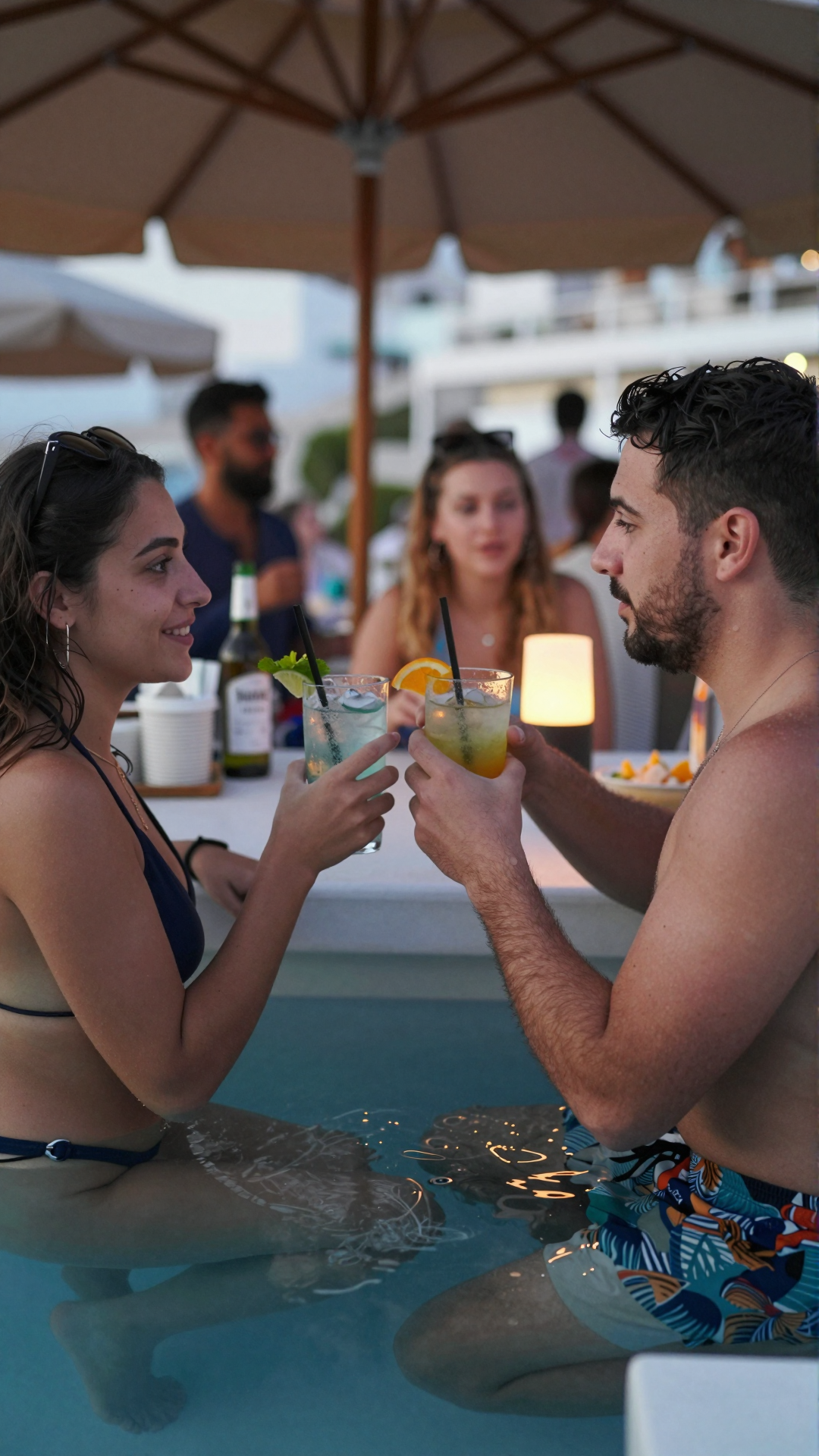
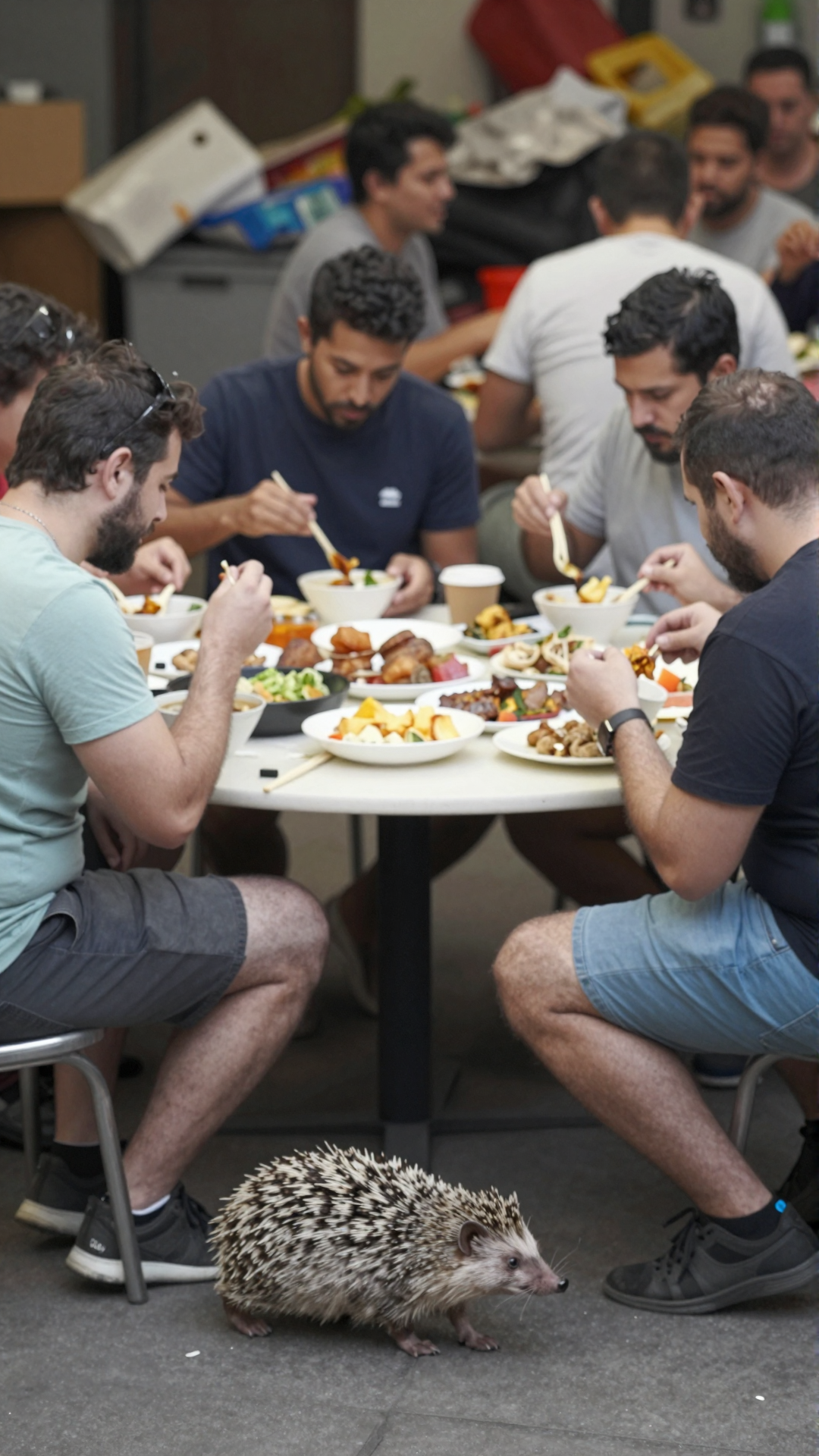
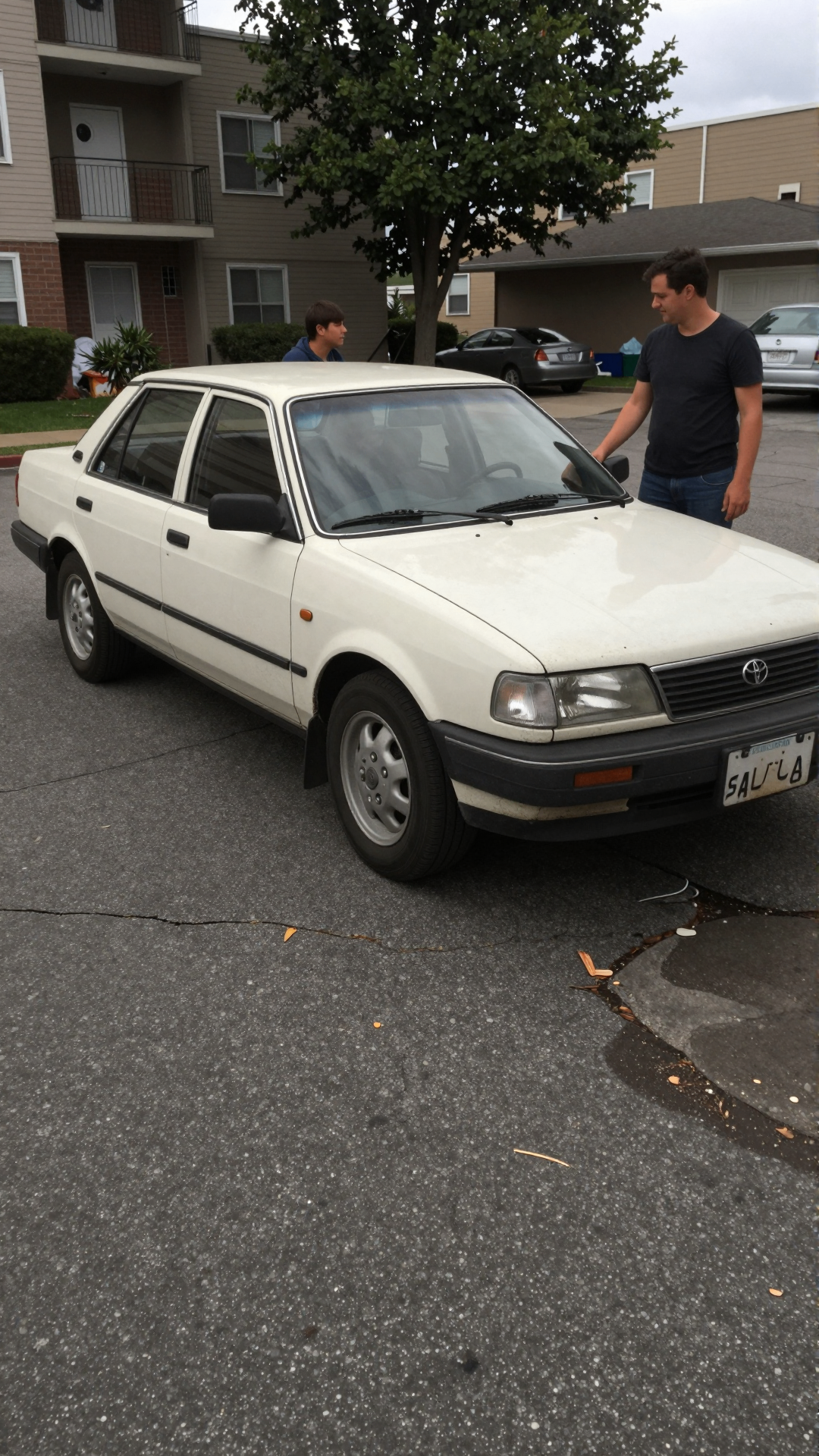
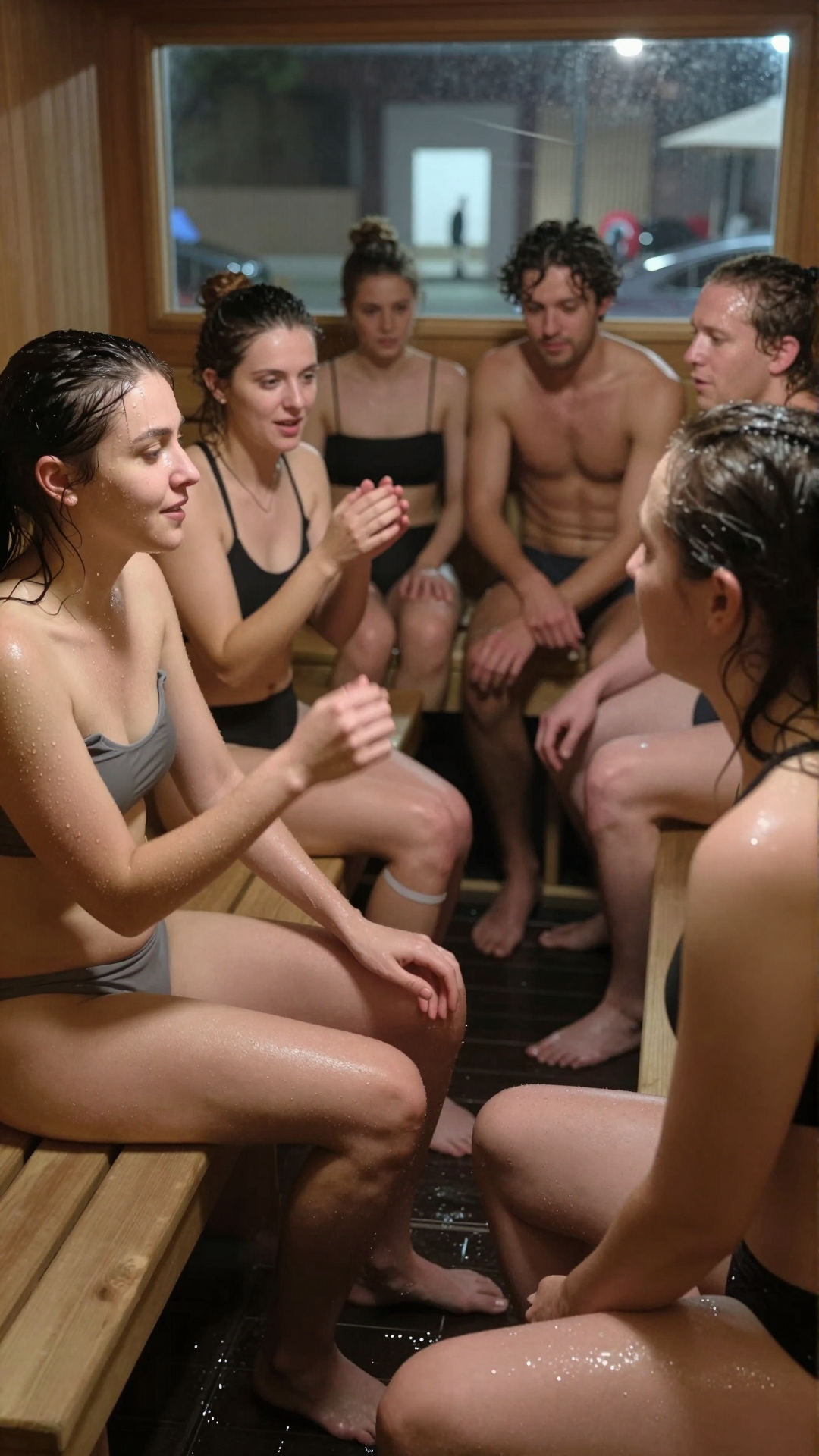
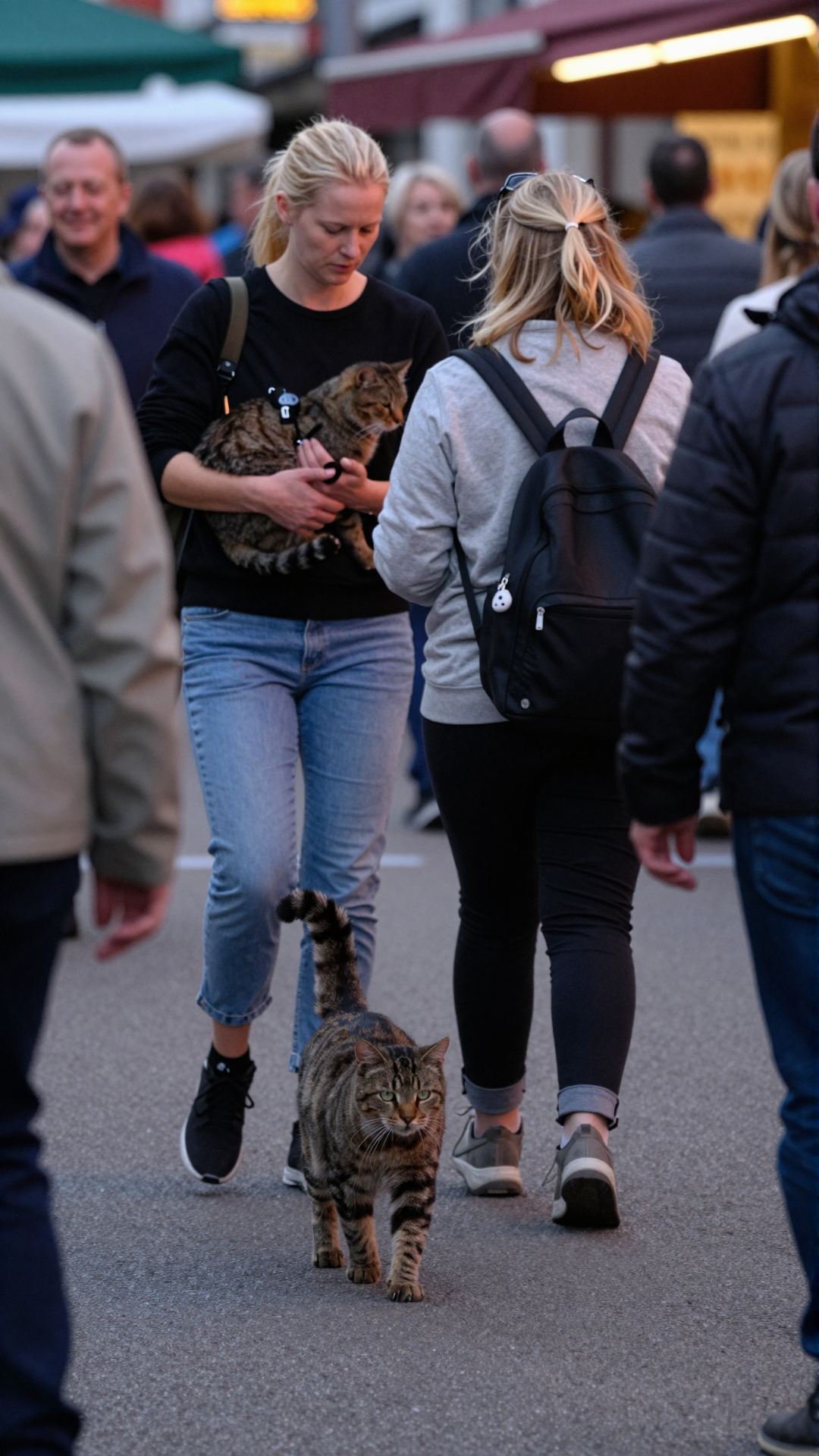
The biggest giveaway of modern AI media isn't a structural mistake anymore — it's flawless perfection. Studio lighting, cinematic depth of field, immaculate skin texture: all of it quietly screams synthetic. If your goal is to make authentic, relatable content, you have to deliberately inject the chaotic imperfections of real-world smartphone photography.
Here's how to train your eye and configure your setup to generate genuine, unpolished imagery using Globany.
1. Emulate the lens limitations
Professional cameras have massive sensors that create beautiful, blurry backgrounds. Phones don't. To mimic a mobile phone, keep your background details relatively sharp. In your prompt, explicitly mention mobile environments — "a rushed selfie taken in a crowded subway station", or "a casual snapshot through a smudged window". The model latches onto the context faster than the camera spec.
2. Force imperfect lighting and composition
Real life happens in terrible lighting. Instead of asking for golden hour or studio softboxes, force the real-world constraints back in. Phrases that consistently work:
- "Harsh direct flash, hard fall-off in the background."
- "Grainy low-light indoor setting, mixed tungsten and screen glow."
- "Overcast sky, flat shadows, slightly underexposed."
Design the composition to look slightly off — as if someone snapped the photo in a hurry. Centered, symmetrical frames read as art direction; off-axis ones read as life.
3. Use Globany's native modes
The easiest way to bypass the "AI slop" look is to skip prompt gymnastics and lean on the modes. Globany ships with a default Smartphone mode that balances sensor noise, micro-jitter, and lens character behind the scenes. For tighter framing, switching to Selfie mode introduces the wide-angle distortion that's inherent to front-facing cameras and instantly reads as "phone".
Stop prompting cameras. Start prompting moments.
The 30-second blueprint
- Open the main workspace in Globany.
- Write a mundane, specific prompt — e.g. "a blurry action shot of a person dropping their keys on a rainy street corner".
- Set the mode to Smartphone or Selfie depending on framing.
- Pick Image or Video, hit generate, and skip the cinematic preset.
For more on the language side, read Prompting Real Life. If you're building a series with the same person across multiple frames, jump to Character Consistency. And for the niche surveillance angle, see Synthetic CCTV Footage.
Stop reading. Start generating real-looking footage.
Open Globany, pick a mode, and have your first realistic frame in under a minute.