Prompts
Prompting Real Life: The Language Patterns That Pull Realism Out of the Model
Most realism prompts fail because they sound like a movie pitch. Here's how to write the way a friend would describe a moment — plus eight skeletons we reuse.
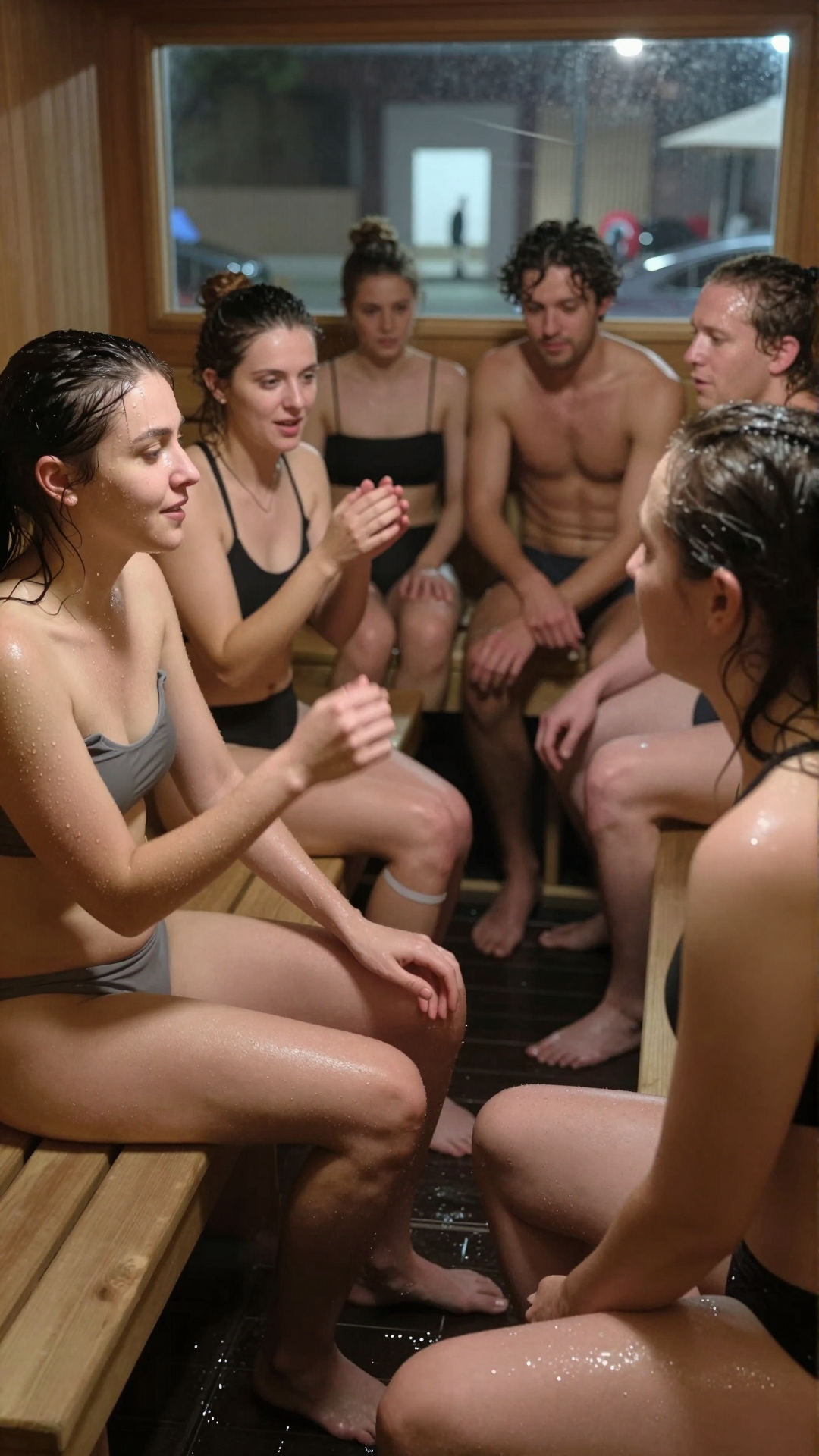
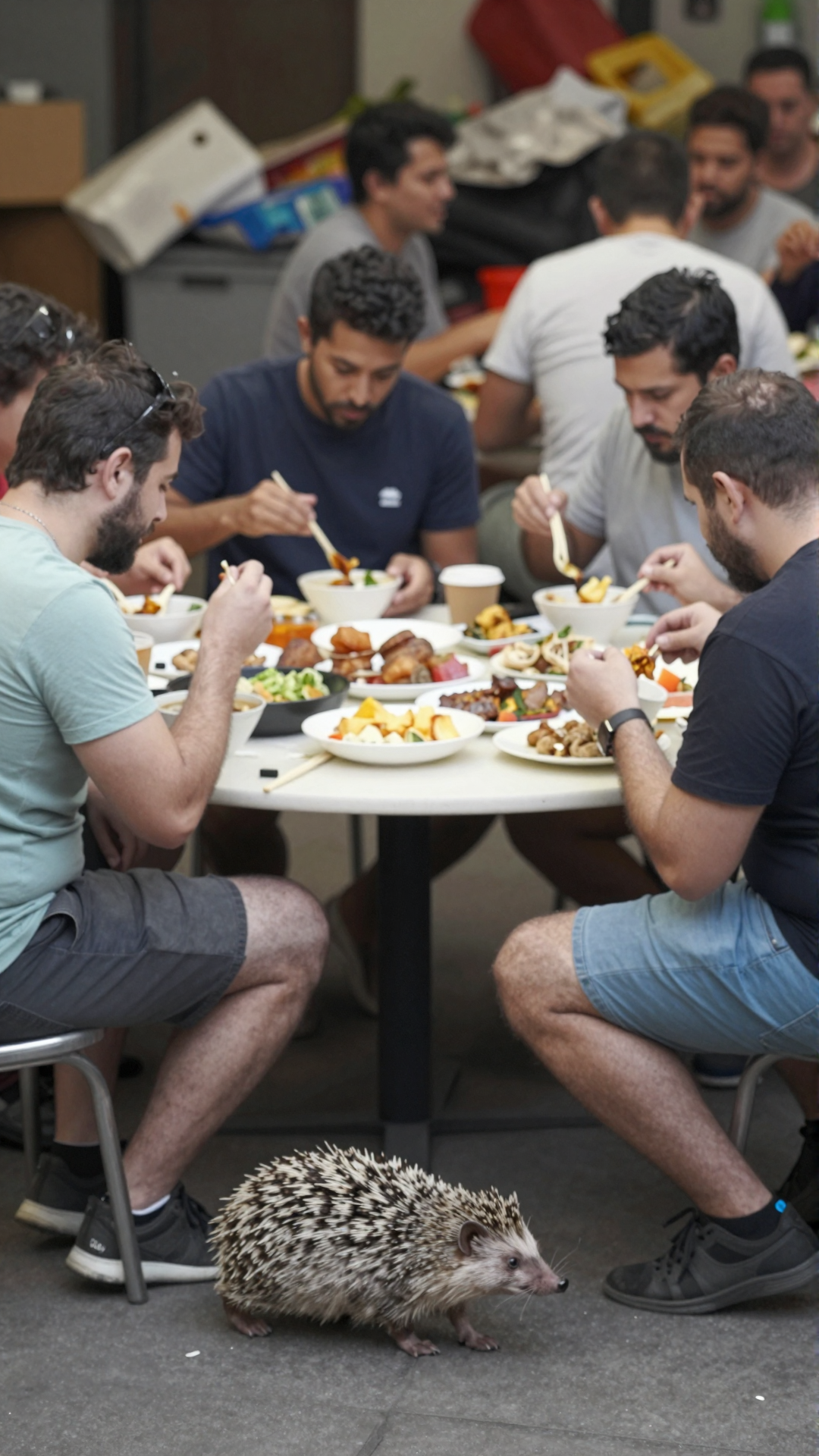
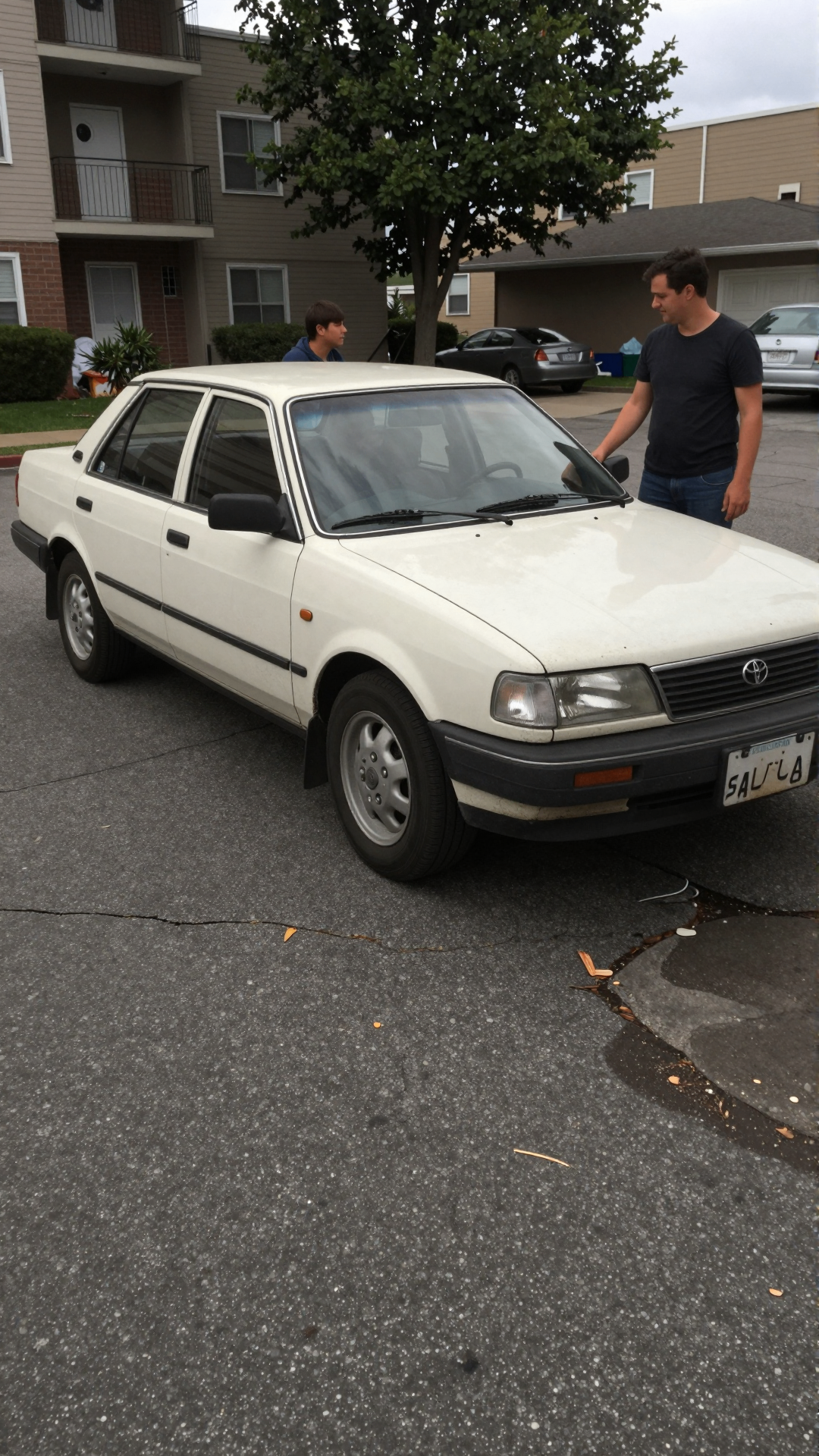
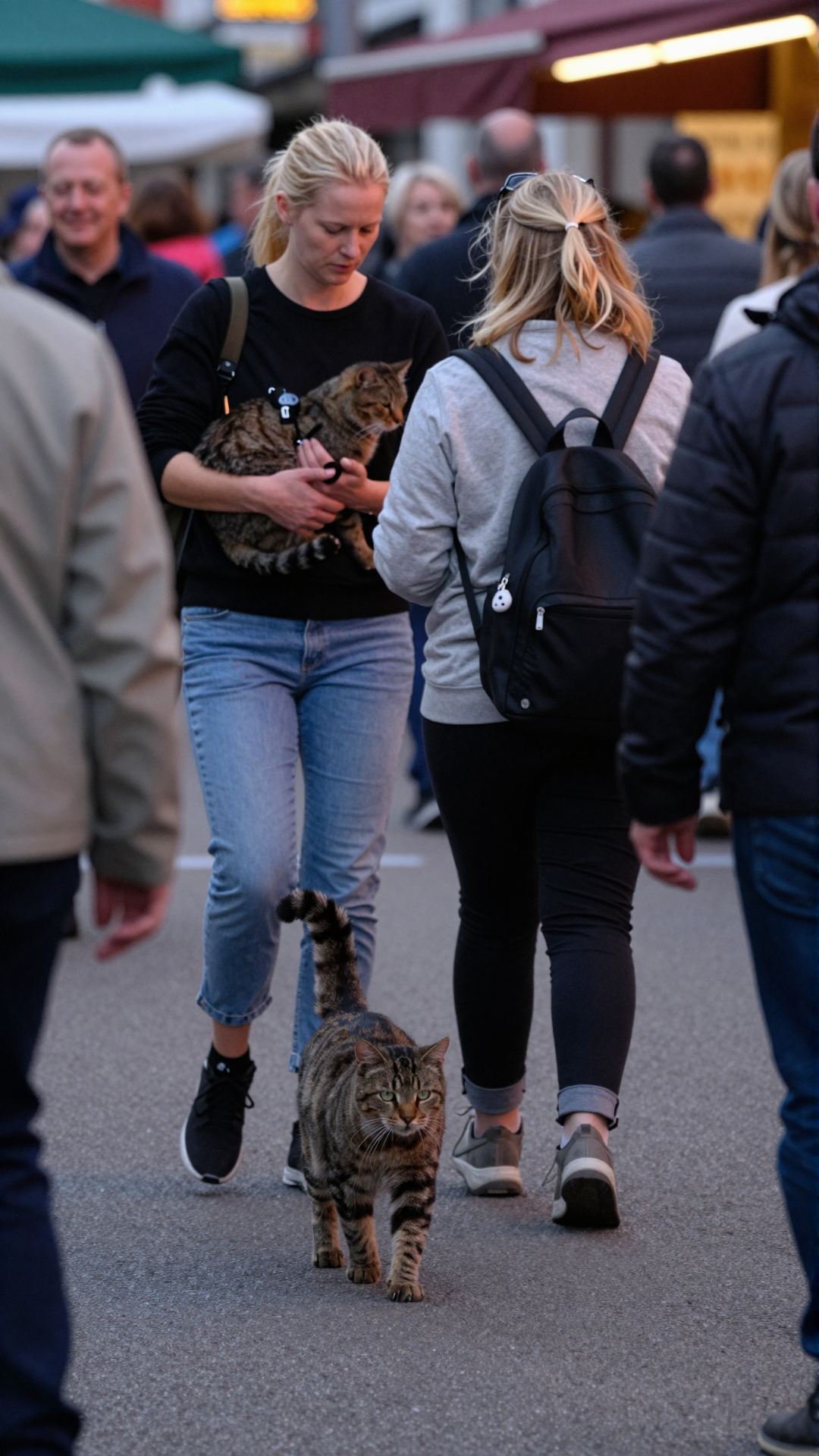
Most "realism" prompts fail for the same reason: they sound like a movie pitch. "A breathtaking portrait of a young woman, golden hour, cinematic depth of field, shot on Hasselblad." The model hears that and serves you exactly what it sounds like — an ad. If you want something that looks like a moment instead of a campaign, you have to change how you write.
The rule: write the way a friend would describe it
If you texted a friend about a photo you'd just seen, you wouldn't say "shot on a Hasselblad". You'd say "she's mid-laugh, half her face is cut off, the lighting is bad in a good way". That's the register the model needs. Concrete actions, specific objects, mundane context.
Verbs > adjectives
Adjectives compress; verbs unfold. "Tired man at a kitchen counter" is flat. "A man leaning on a kitchen counter rubbing his eyes, half a coffee gone cold next to him" is a frame. Lead with what's happening.
Sensory anchors
One concrete sensory detail does more work than three abstract ones. Pick something small and specific:
- "Steam off a takeaway cup on a January morning."
- "Phone screen reflecting in her glasses."
- "Wet sleeve from leaning on the bar."
That single detail keeps the rest of the image honest.
The anti-cinematic word list
These words almost always pull the output back toward generic AI-glamour. Use them only when you actually want that look:
- cinematic, epic, breathtaking, masterpiece
- golden hour, soft bokeh, studio lighting
- shot on [camera brand], award-winning
- hyperrealistic, ultra-detailed, 8k
Replace them with situation words: "rushed", "ordinary", "between things", "on the way out".
Eight prompt skeletons we keep reusing
- A rushed selfie taken in [mundane place] under [bad lighting], slight motion blur.
- Mid-action shot of [person] [doing small thing], framed slightly off- center.
- Casual snapshot through [obstacle: window, fence, crowd], subject looking past the camera.
- Phone-flash photo at a [event] late at night, harsh fall-off, red eyes possible.
- Photo someone took because they thought it was funny, not because it was good. [subject + situation].
- Overcast afternoon, flat light, [person] [holding / waiting for] something ordinary.
- Reflection in a [window / mirror / puddle] showing [subject], not composed.
- A still from a clip a friend sent you. [subject + one action].
The model is a very literal listener. If you describe a moment, it makes a moment. If you describe a poster, it makes a poster.
Where to go next
These skeletons are the foundation. To see them applied to phone photography specifically, read How to Generate Realistic AI Photos and Videos. For carrying a person across multiple prompts without drift, see Character Consistency. And if you're working on a dataset of high-angle footage, see Synthetic CCTV Footage.
When you have a skeleton you like, open Globany and run a few variations.
Stop reading. Start generating real-looking footage.
Open Globany, pick a mode, and have your first realistic frame in under a minute.